Fall/Winter Curling season is upon us. Stay in the game and bring Cool Curling to your home or business.
Order your NEW EDGEIII or Rustic as initial
quantities are limited. Or take advantage of remaining stock on best-selling EDGE II (Not all colours and sizes available).
It’s a GREAT time to get into COOL CURLING!
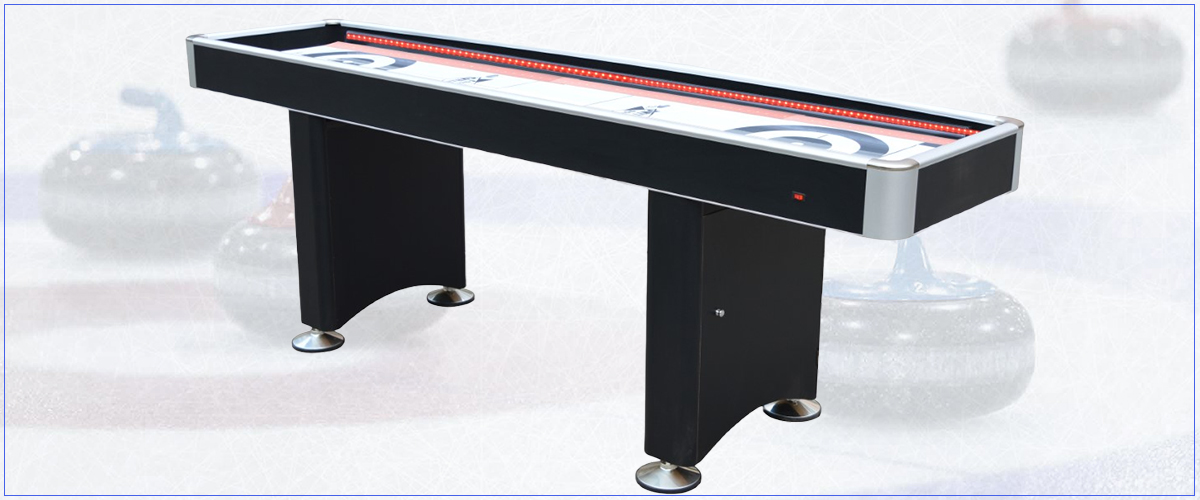
Edge III Curling / Shuffleboard & Dining Top 3 in 1 Game
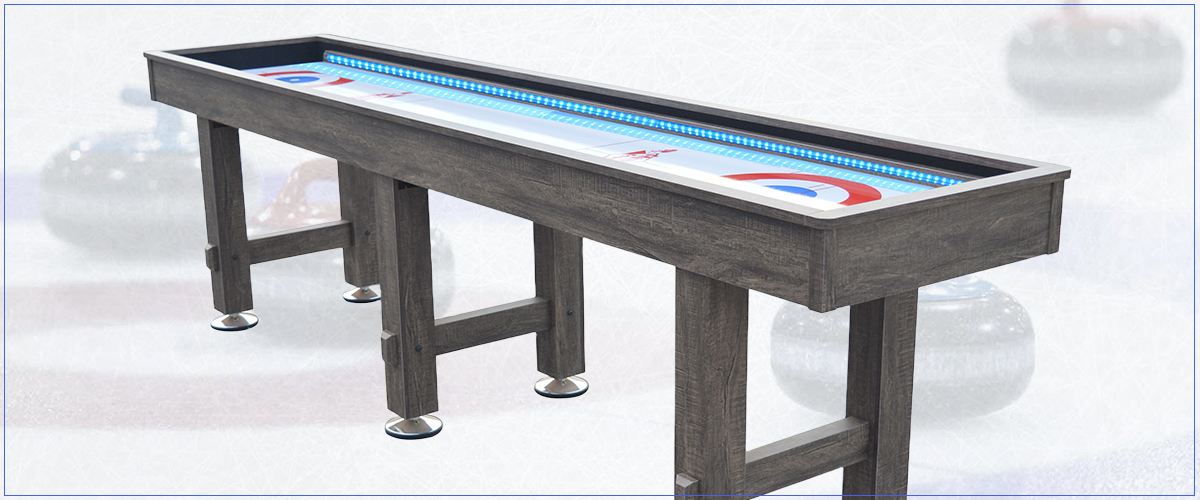
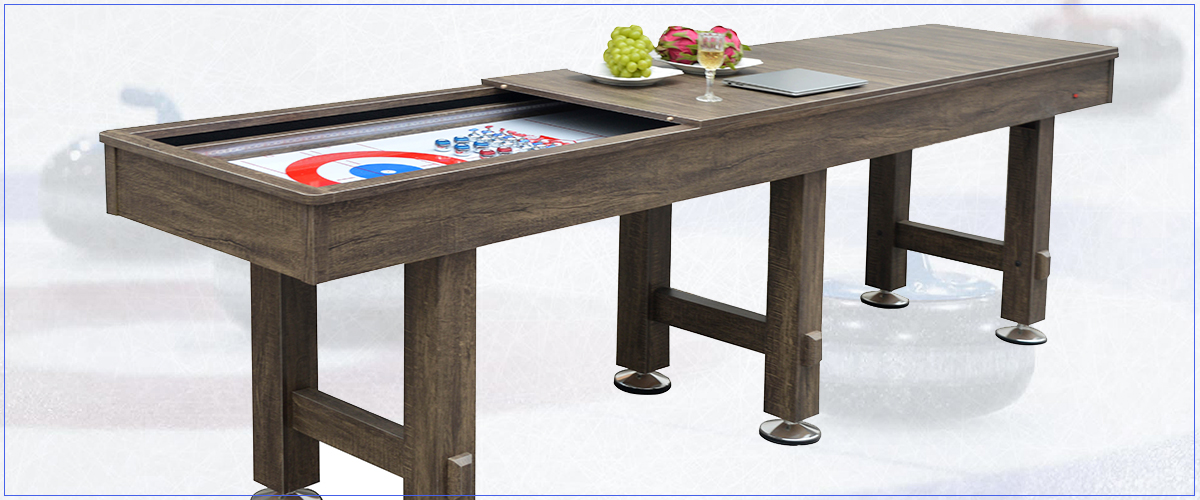
Rustic Curling / Shuffleboard & Dining Top 3 in 1 Game
Rustic Curling / Shuffleboard & Dining Top 3 in 1 Game
Original
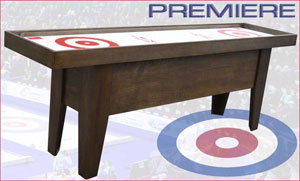
Premiere
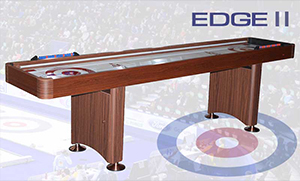
Edge II
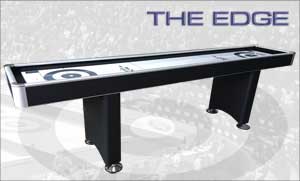
The Edge
Like us on Facebook for Cool Curling product updates and to follow news and happenings in the world of Curling...
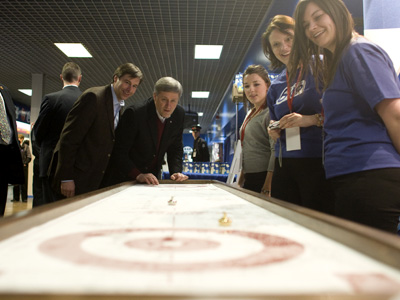
Cool Curling on GLOBAL TV
Everybody is getting in on The Cool Curling bandwagon, including Mr. Harper.
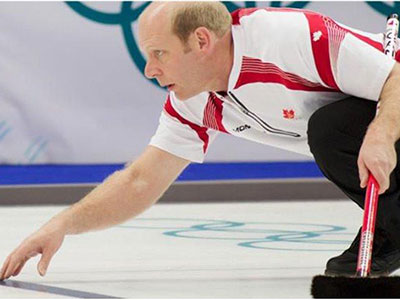
Kevin Martin says: "Cool Curling is hands down the best table top curling game on the market. I have one myself and I recommend it to anyone who wishes to enjoy non-stop challenging curling entertainment."
COVID-19 RESPONSE:
We make it easier for you to Stay Home & Play!
Most of us are living through unprecedented times. Undoubtedly, at the end of the day, we will emerge stronger for it. Family values, held dear, will be even more so.
At Cool Curling, our motto has always been, ‘Stay Home and Play’. Now, we are making it easier for you to keep your family entertained and realize your dream game room or man-cave with a fabulous, fun and exciting Cool Curling game table. Here’s how:
We now offer our Canadian and American clients easy payment options. Our payment plans* allow you to break down the cost of a purchase into a series of bi-weekly or monthly installments through Paybright in Canada and PayPal Credit in the US.
Aggressive pricing on select models.
We will implement upgrades to our website to enhance your shopping experience and provide you with an opt-in to Curling and Cool Curling news, events and promotions.
*Subject to credit approval
In the meantime, we wish you and yours safe journeys…STAY HOME & PLAY!
Howard
March 1, 2022
Dear Valued Customer,
While we navigate the recent challenges presented us, we would like to thank you for your continued support and understanding. There is no one reason for the global supply chain bottleneck, but a combination of extenuating circumstances, that started with natural disasters, driver shortages, severe weather, border closures and capacity, have all compounded to apply upward pressure on pricing.
We strive to mitigate costs and keep your opportunities to buy and deliver our products at their lowest possible price. We have absorbed much of this pricing pressure particularly where it comes to shipping of our games by common carrier.
Accordingly, all LTL shipments of Cool Curling games, including local terminal pickups, will temporarily be subject to a possible surcharge. As trucking rates depend on the carrier, destination address, distance to a local carrier’s terminal, number of hands touching the shipment, and accessorial charges applied to the delivery, we have not set a fixed surcharge. For many domestic shipping lanes, there may be no surcharge to apply at all. We encourage you to drop us an email and we will gladly explore the options with you and find the most cost-effective means of a prompt, safe and secure delivery.
Welcome to Cool Curling! Only Cool Curling provides unmatched realism that can be compared to the real sport, with adjustable curl that makes our game play - JUST LIKE ICE!
Similar to how rocks draw on a real sheet of ice after you’ve gone through delivery, our weight-sensitive stones curl where intended. Whether it is through a port to come around or drawing to the button behind cover, players will feel like they are playing the roaring game for real.
Ron Tibble, a former curler himself, invented the game twelve years ago in Russell, Manitoba. He enjoys a long-standing relationship with Curling Canada and attends many tournaments across the country each year where Cool Curling tables are featured and enthusiastically played by young and old alike.
Conceptualized and designed in Canada, Cool Curling game tables, rocks, scoreboards and other accessories are proudly produced by skilled craftsmen in a quality-controlled environment and with exclusive materials and components sourced from only the best suppliers. Our commitment to quality shows in our customers’ appreciation of owning a beautifully hand-crafted table for their home or business. Cool Curling tables have, by and large, been sold directly to curling enthusiasts through word of mouth, many of whom have played our tables at tournaments - until now.













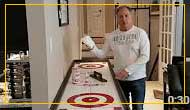 1. What you need
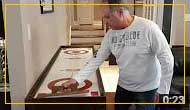 2. Clearing old pebble
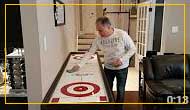 3. Cleaning the surface
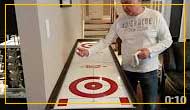 4. Applying wax
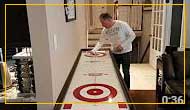 5. Buffing the surface
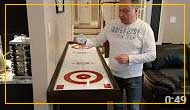 6. Applying pebble
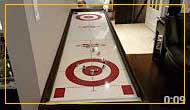 "Nice Shot"